New
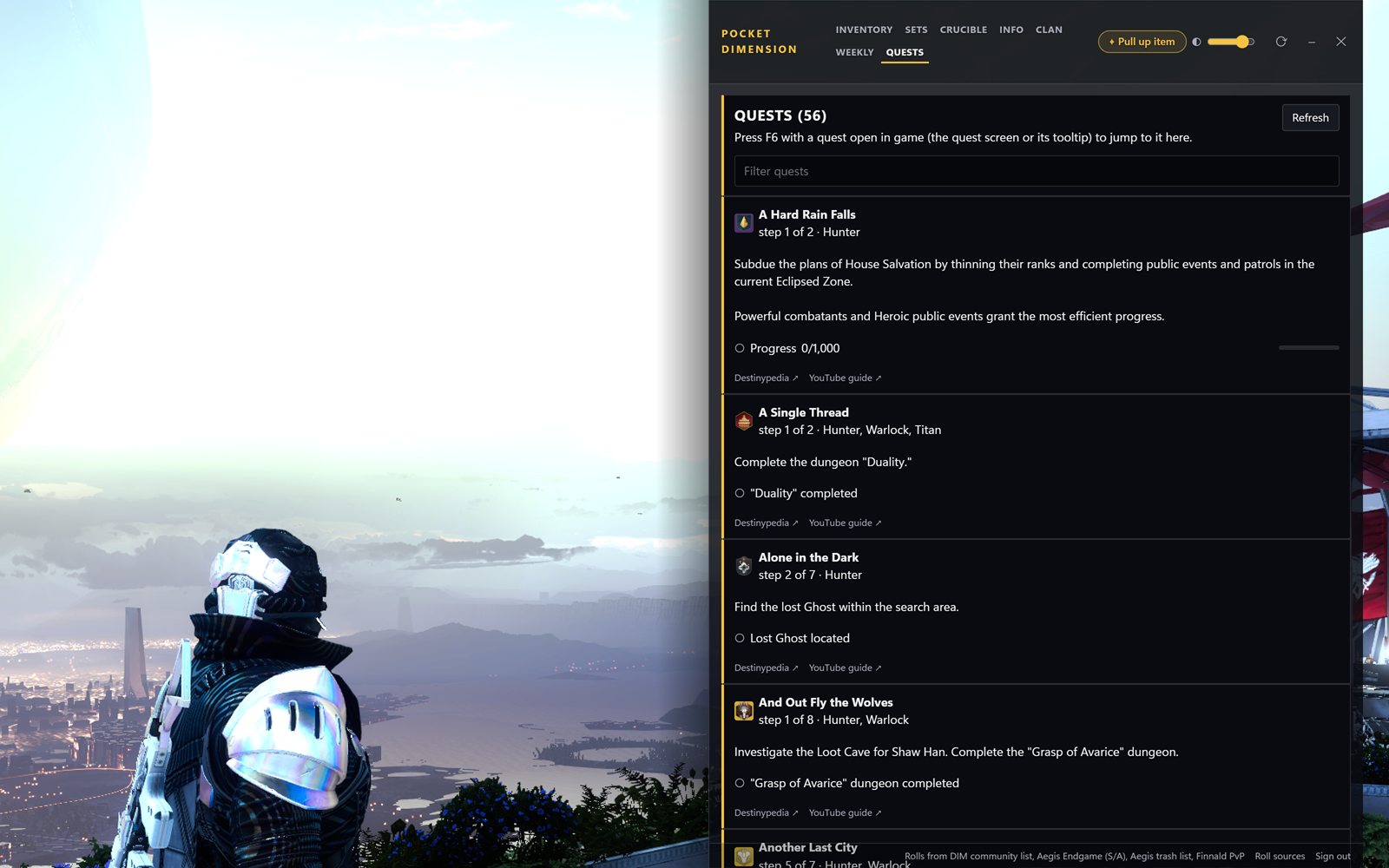
Quests tab
Every quest you're carrying, at the step you're on, with what to do next and guide links. Have a quest open in game? F6 jumps to it.
 Pocket Dimension
An overlay for Destiny 2
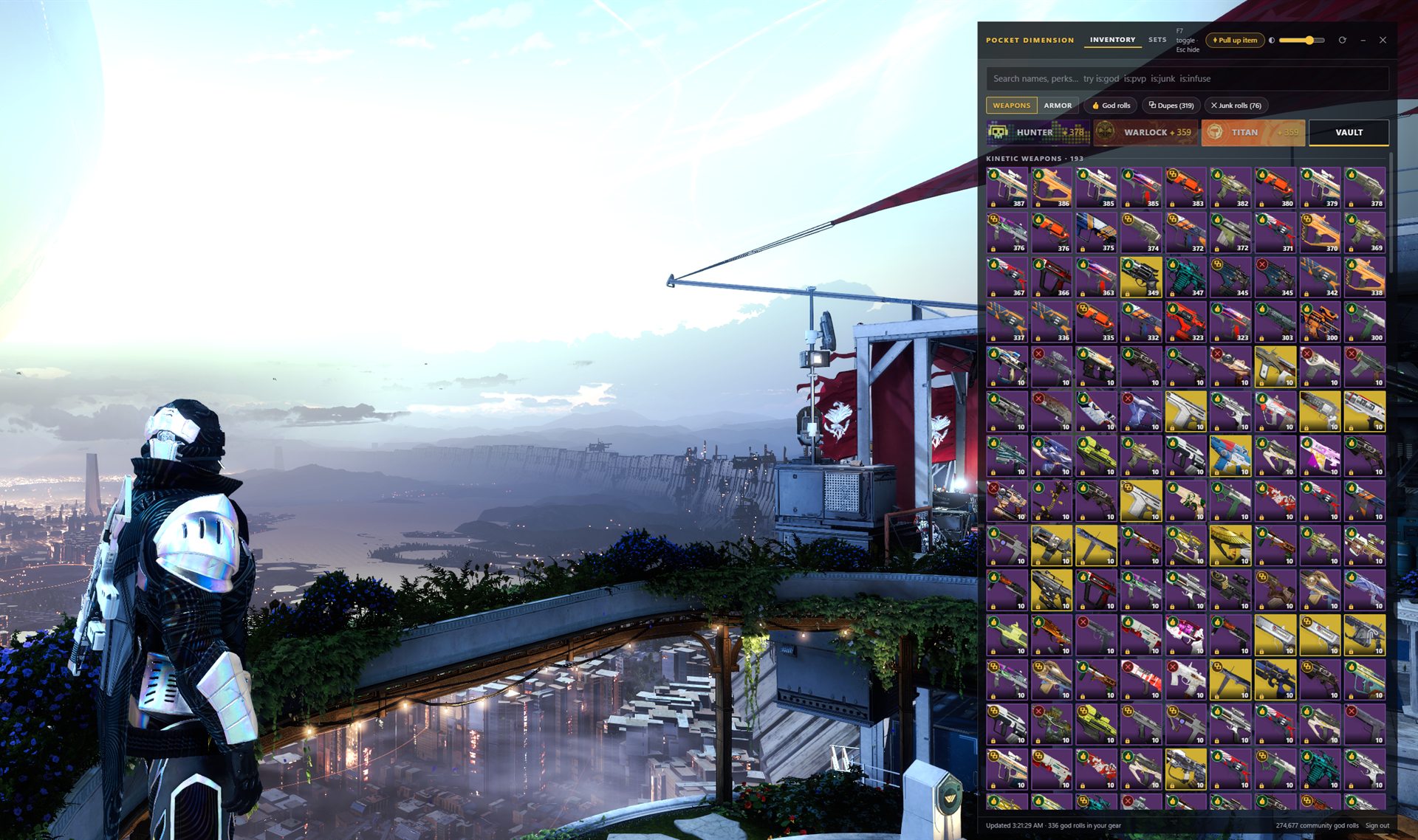
Press F7 in game and it opens on the right side of your screen. It has your inventory with god rolls marked, plus Crucible stats, this week's raids, Xûr and vendor rolls, and where you are on every quest. Press F7 again to put it away.
Quest help for the quest on screen
Show or hide the overlay
Pull up the item under your cursor
Death screen: who killed you and with what Beta
Lobby scan in Trials or Comp Beta
New since 0.10 · now on v0.16.8
Already have the app? Hit Update now when it asks.
Every quest you're carrying, at the step you're on, with what to do next and guide links. Have a quest open in game? F6 jumps to it.
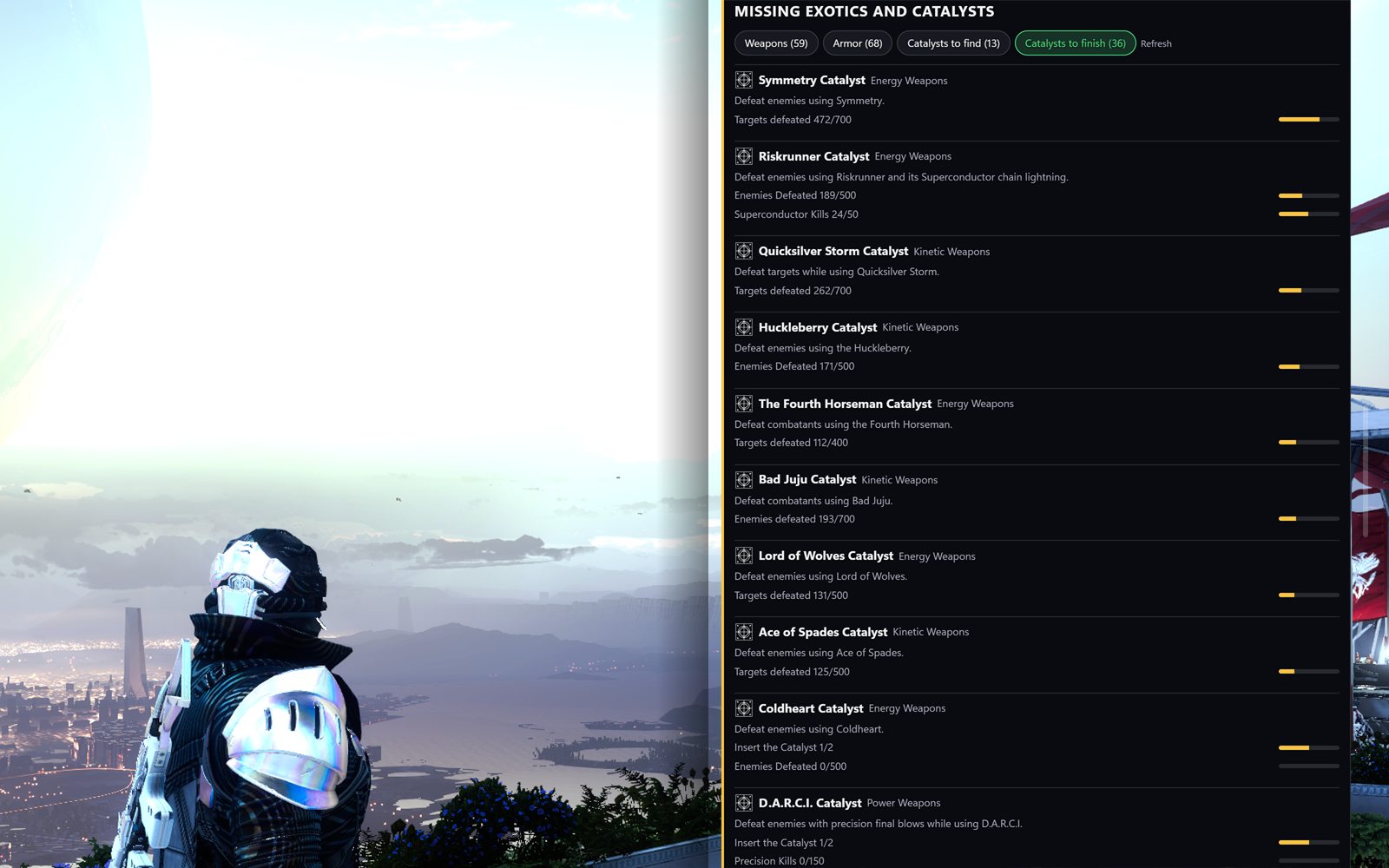
On the Weekly tab. Exotics you don't have, catalysts you haven't found, and how far along the rest are. Each one says where it drops.
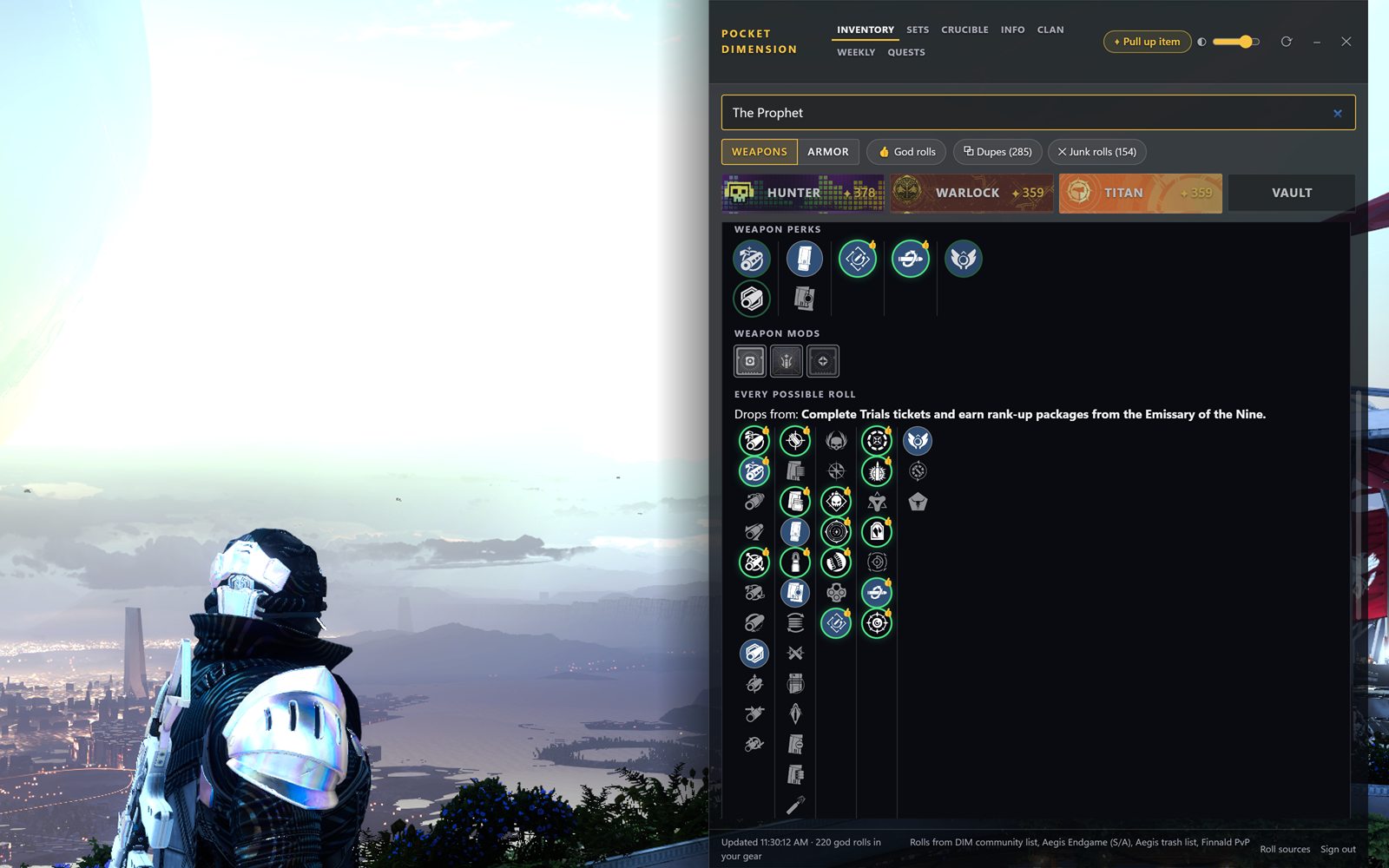
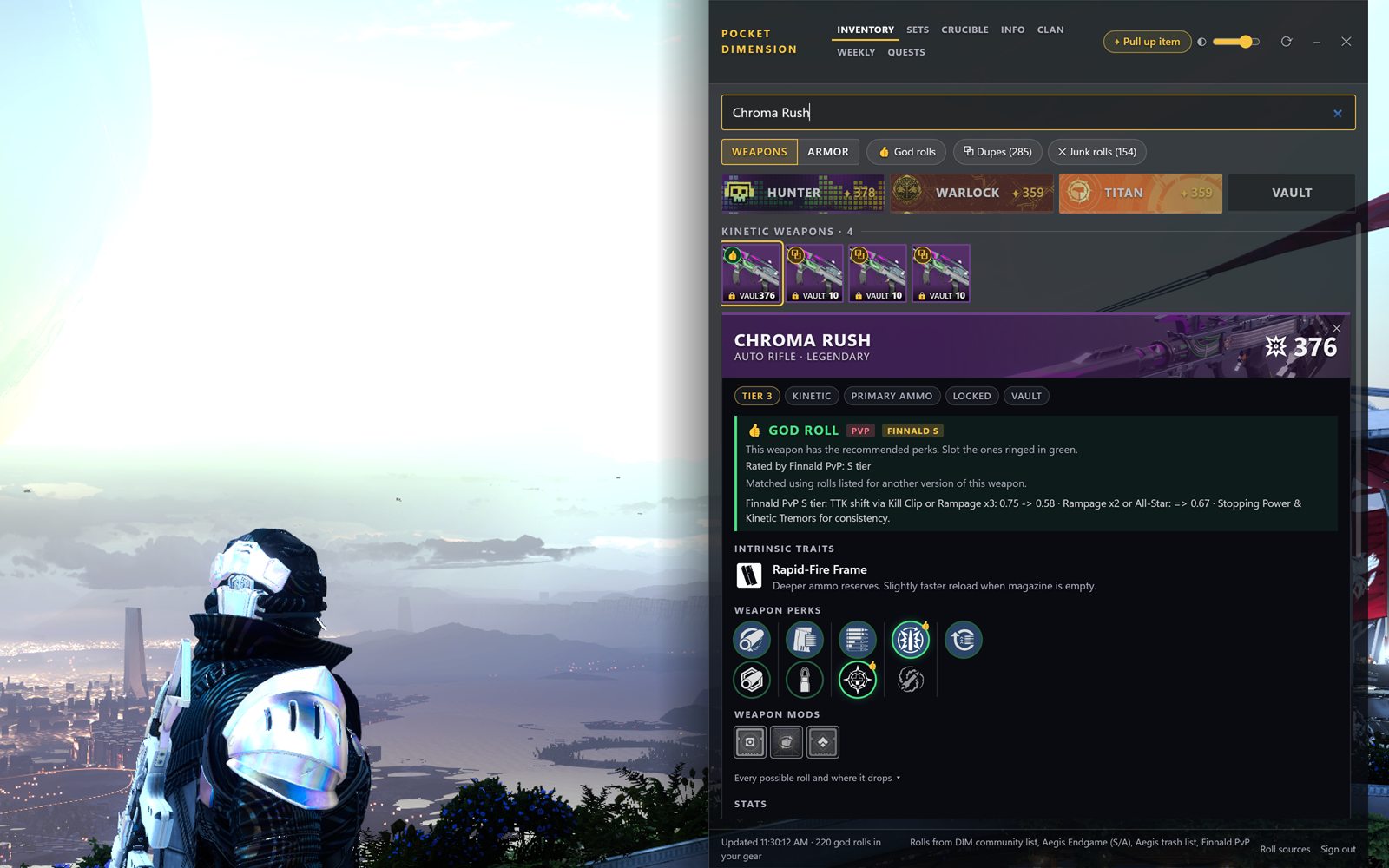
The full perk pool on any weapon card, and where the gun drops. God-roll perks are ringed.
Added as a roll source. His S and A tier picks count as PvP god rolls and his notes show on the card.
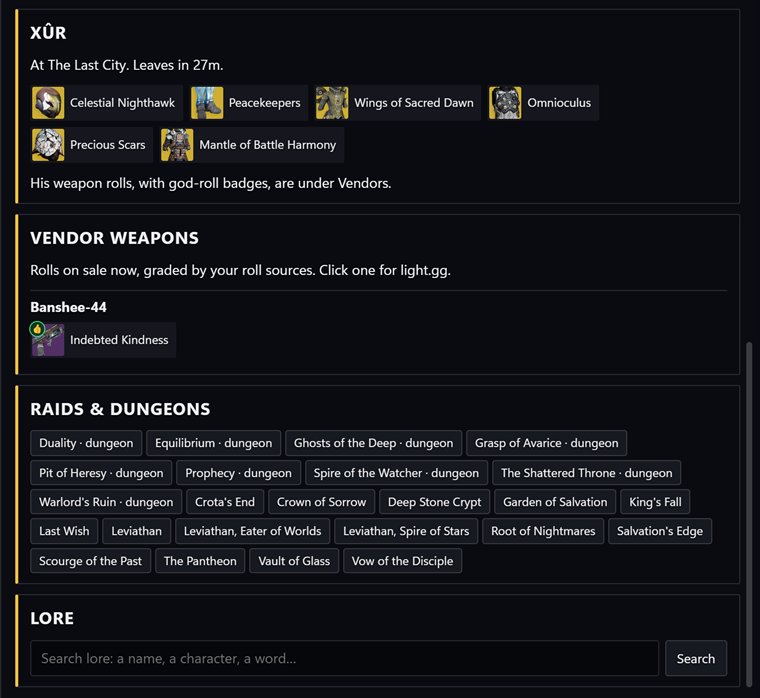
Raids and dungeons moved to the top. This week is color-coded now, with an icon on every modifier.
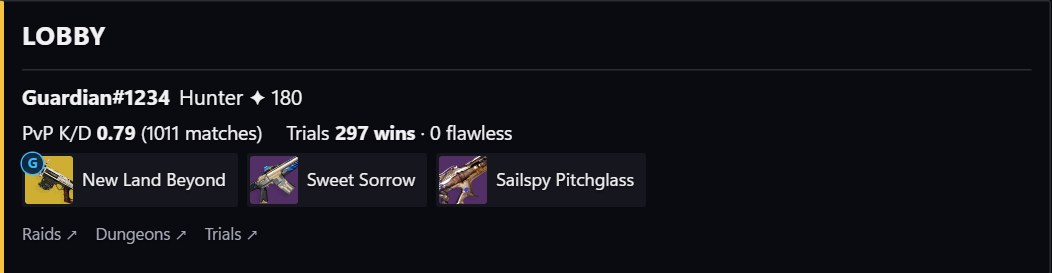
Player cards in the Crucible tab link to RaidHub, dungeon.report and trials.report.
NewIf Bungie posts maintenance or an outage, it shows up as a bar under the header.
A thumbs-up on a weapon means it has a recommended roll. The rolls come from the community wish lists DIM uses (over 270,000 of them), plus Aegis and Finnald's PvP sheet. Any of them can be switched off in Roll sources.
Open the card to see which perks matched, the curator's notes, and every perk the gun can roll. Type is:god in search to see all of them at once. Search takes DIM-style filters too, like is:arc is:heavy or is:handcannon -is:locked.
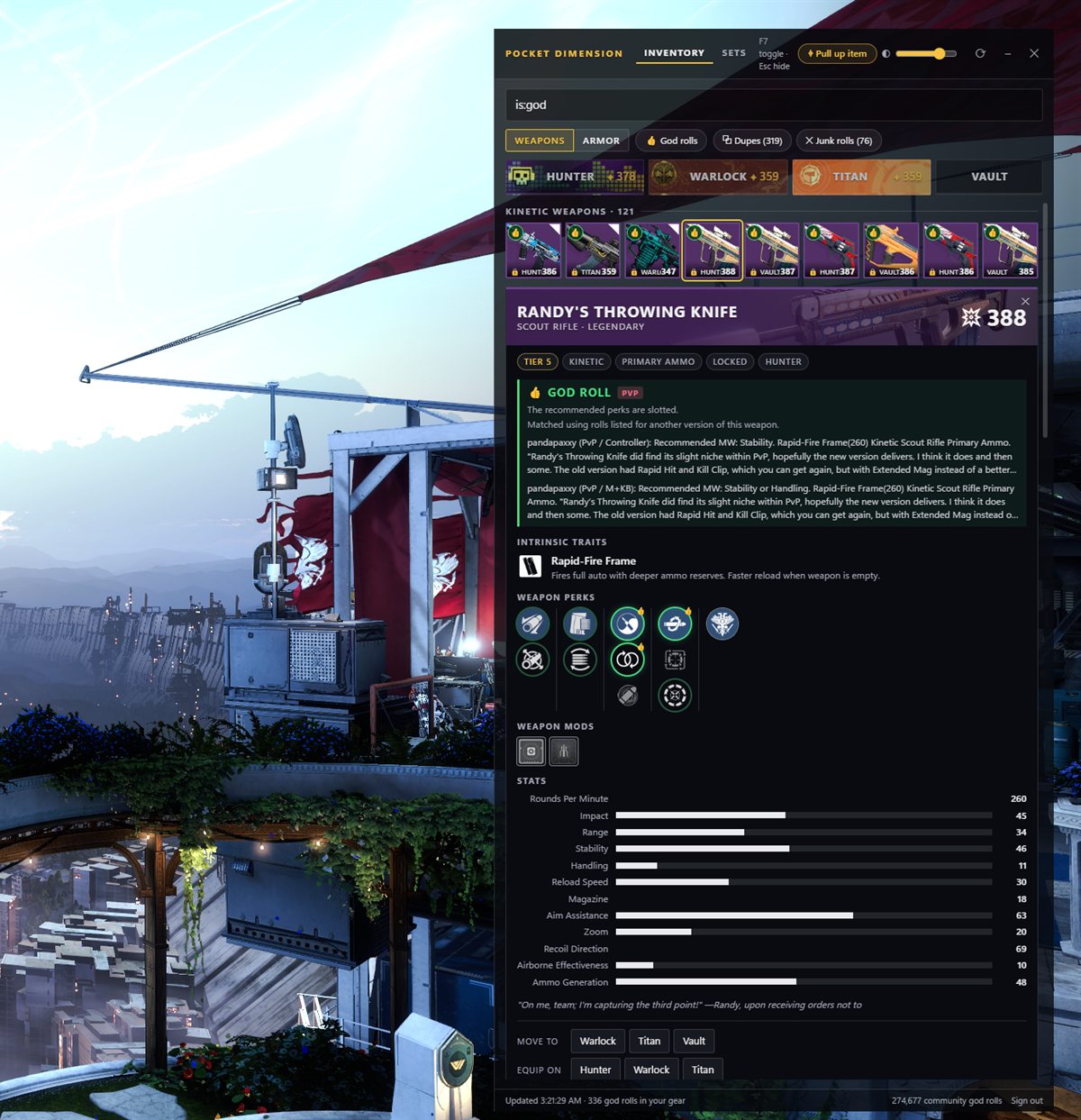
Hover a gun in game and press F8. The overlay reads the tooltip off your screen and opens that item.
Works on drops, vendor stock and other players' gear. If it's not yours you get an "On screen" card with the perks it could read and whether it's a god roll.
It reads a screenshot on your PC with Windows' own text recognition. Nothing gets sent anywhere.
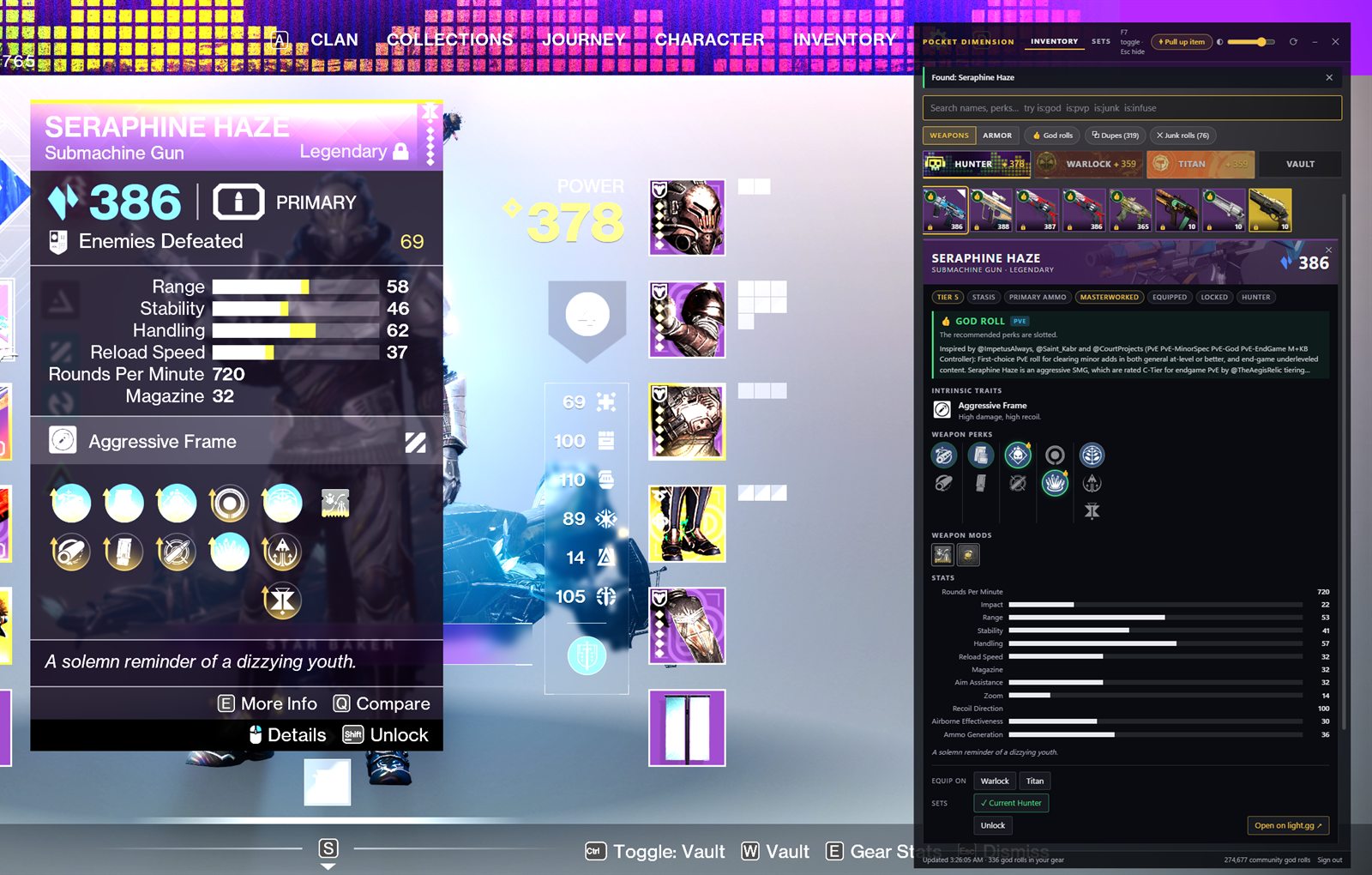
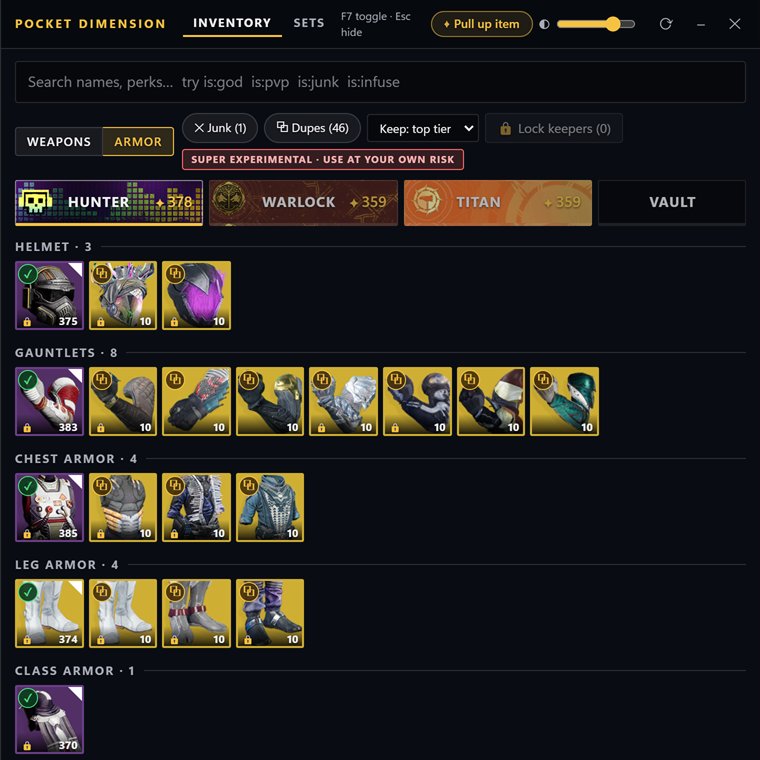
Every weapon and armor piece gets a tag: keep, junk or duplicate. Armor can also be infusion fuel. Click the tag to see why.
Clean-out is super experimental. It moves gear around so you can dismantle in one place, and it can get things wrong. It leaves equipped items and saved sets alone, but use it at your own risk and lock anything you can't lose.
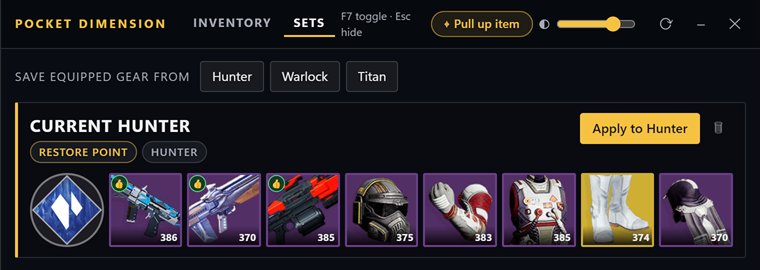
Save what a character has on. Apply it later and the overlay pulls each piece back from the vault or your other characters.
The optimizer goes through every armor combination you own for the class, exotic, set bonus and stats you ask for, and gives you the ten best with the mods to slot.
After a match, Who killed me lists the guns that got the most kills on your team and who was using them. Click one for its PvP god roll.
Press F10 on a Trials or Comp roster to pull everyone's K/D, Trials record and loadout Beta. Each player links out to RaidHub, dungeon.report and trials.report.
There's also a Trials card for your flawless run, your last 25 games with a K/D trend, your fireteam's loadouts and a lookup for any Bungie name.
F9 and F10 read your screen and can misread a name. The rest comes from Bungie's match reports.
Raids and dungeons are at the top, each with a page and guide links. Below that is this week: the featured raids with their modifiers and the reset timer.
It also has Xûr, every vendor's weapon rolls with a god-roll grade, and a lore search. Items open on light.gg and lore links to Ishtar Collective and Destinypedia.
Every quest you have, at the step you're on, with Destinypedia and YouTube links. F6 on a quest in game opens it.
Raid and dungeon clears per character, clan engrams, quests close to done, and the seals you're closest to.
A Windows notification when Xûr or a vendor has a god roll in stock. Once per roll per week.
Who's online and what they're playing, this week's clan engrams, clan stats.
Full feature list →Changelog →
Run the installer. It makes Start menu and desktop shortcuts and opens the app. Windows will probably say it doesn't recognise it: hit More info, then Run anyway.
Sign in with Bungie.net and allow access to your inventory. The sign-in is saved on your PC.
Settings › Video › Window Mode. In exclusive fullscreen you won't see the overlay.
That's it. When it's hidden it sits in the system tray, and it tells you when there's an update.
It doesn't read the game's memory or inject anything, so BattlEye has nothing to see. It talks to Bungie's official API, same as DIM and the companion app. Pull up item, death read and lobby scan only look at a screenshot.
Bungie only lets apps equip gear while you're in orbit or a social space. Moving items works anywhere.
It asks Bungie to read your Destiny 2 inventory and to move and equip items, and that's all it uses. Your sign-in is saved on your PC, encrypted with your Windows account. More on the privacy page.
Yes.
Made by Rabbit House Games
Rabbit House Games is just me. Here's what else is out.
A first-person scavenging roguelike in a dying cyberpunk city. Each run lasts one night, and you have to get out before sunrise.
An idle game about working remotely for Liminal Corp. Some of what the workstation files, nobody sent.
Rabbit House Games is on Ko-fi. Right now everything there goes toward the code signing certificate.